10 essential cyber security tips for beginners are more important than ever in today’s digital world, where cybercrime is growing rapidly.
Cybercrime is increasing faster than ever, affecting students, professionals, senior citizens, and even small businesses. Most people fall victim simply because they don’t understand how online scams work or how to protect themselves. This guide shares the most important cyber security tips for beginners and also explains exactly what to do if you ever become a victim of a cyber fraud. With the right awareness, anyone can stay safe online and avoid serious financial or personal loss.

These 10 essential cyber security tips for beginners will help you understand the basics of online safety and avoid common digital threats.
Table of Contents
📌 Importance of Cyber Security for Beginners
For beginners, cyber security often feels confusing or technical, but the truth is that most online threats can be avoided with simple habits. Hackers usually target people who use weak passwords, click suspicious links, or share too much personal information online. Understanding the basics of online safety helps you prevent identity theft, financial fraud, and unauthorized access to your accounts. A few small steps can significantly reduce your risk of becoming a victim.
📌 Use Strong and Unique Passwords
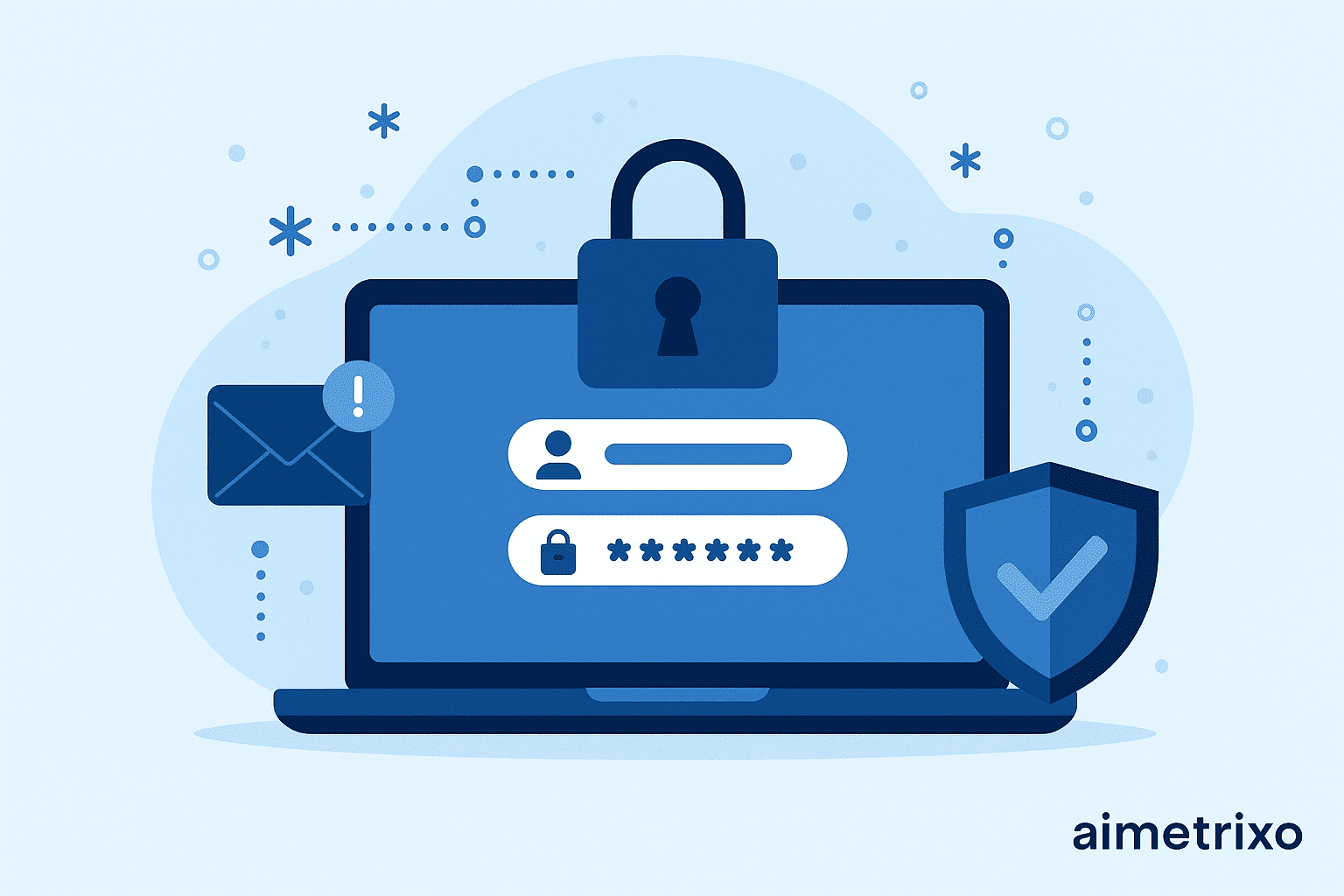
Passwords act as your first line of defense against hackers. Many beginners lose access to their accounts simply because they use easy-to-guess passwords like names, birthdays, or “12345.” A strong password should include a mix of uppercase and lowercase letters, numbers, and special characters. It must also be unique for every account you use. Never reuse the same password on multiple platforms, and consider using a trusted password manager to store and generate secure passwords automatically.
📌 Enable Two-Factor Authentication (2FA)

Even the strongest password is not enough if a hacker manages to steal it. Two-Factor Authentication (2FA) adds an extra layer of security to your accounts by requiring a second verification step, usually through your phone, email, or an authentication app. This means even if someone gets your password, they cannot access your account without the second code. Always enable 2FA on essential platforms such as email, banking apps, social media, and cloud storage accounts for maximum protection.
Following these 10 essential cyber security tips for beginners, including enabling 2FA, greatly reduces the risk of unauthorized access.
📌 Keep Your System and Apps Updated
Cyber attackers often target devices running outdated software because older versions contain known vulnerabilities. Regular updates include important security patches that protect your device from the latest threats. Always keep your operating system, browser, antivirus, and essential apps up to date. Turning on automatic updates is one of the simplest ways to ensure your device remains secure without requiring constant manual checks.
📌 Beware of Phishing and Scam Messages
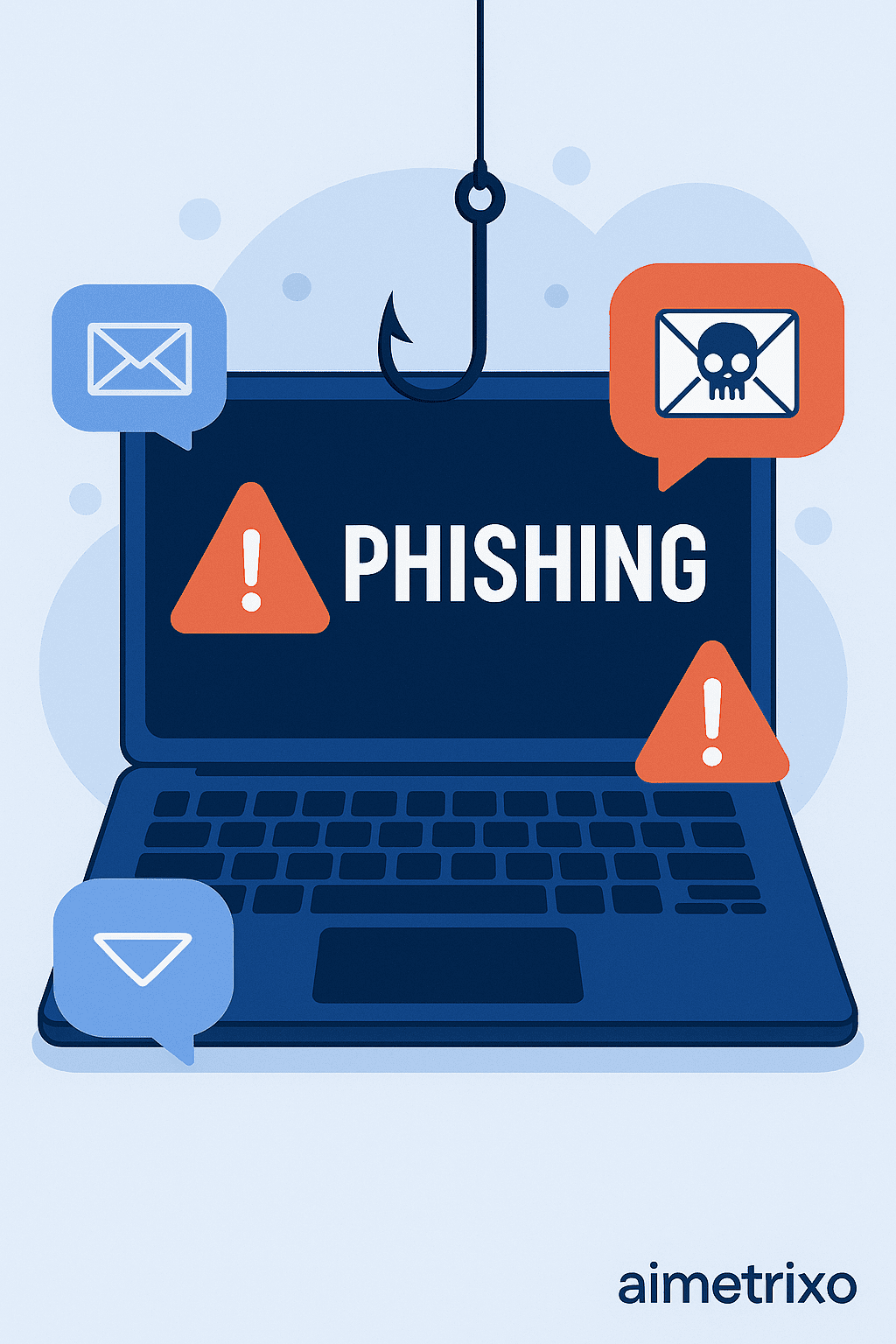
Phishing is one of the most common tricks used by cyber criminals to steal personal information. These attacks usually come through emails, messages, or fake websites that appear trustworthy. They may ask you to click a link, enter login details, or download an attachment. Always double-check the sender’s email, avoid opening unknown links, and be cautious of messages that create urgency—like threats of account suspension or offers that seem too good to be true. When in doubt, contact the official company directly.
📌 Use Antivirus Software and Firewall Protection
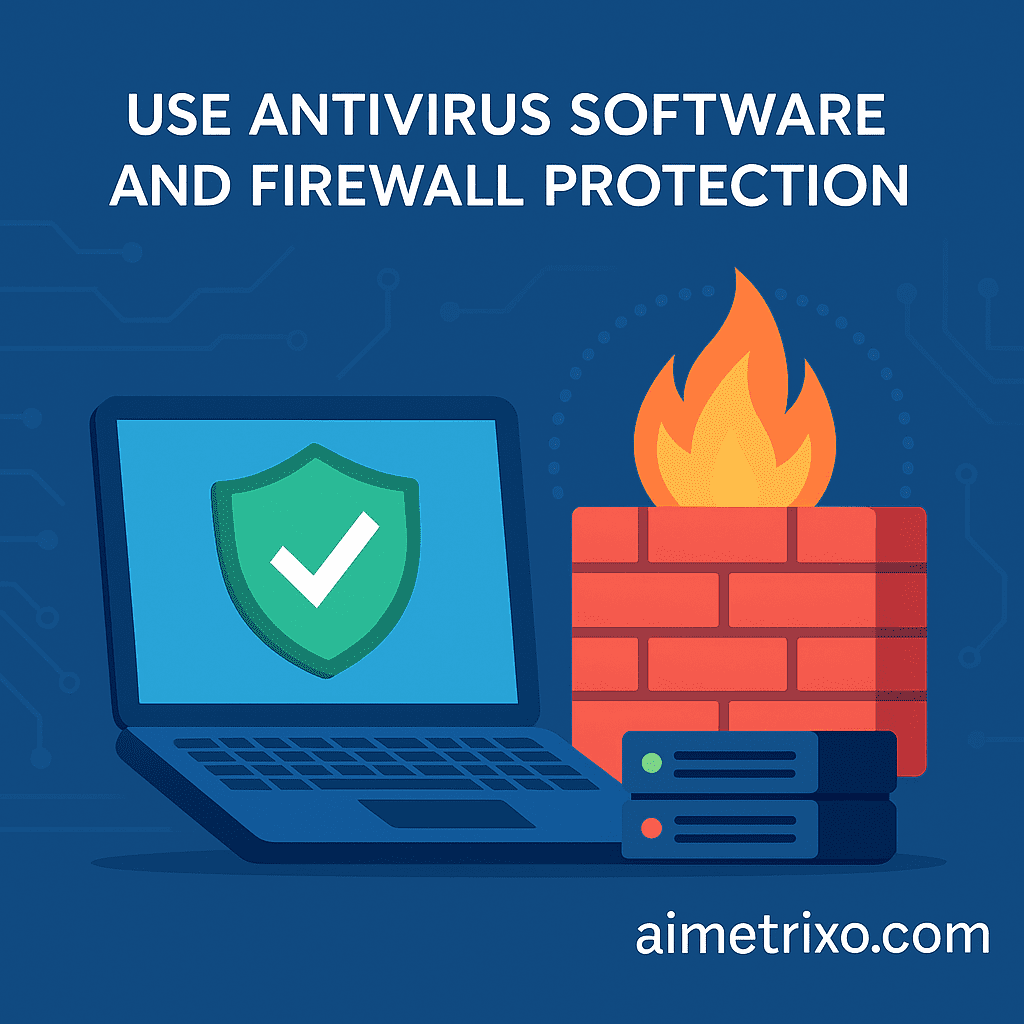
Installing a reliable antivirus program is essential for detecting and blocking harmful files such as malware, spyware, and ransomware. Many beginners ignore cybersecurity tools and become easy targets for attackers. Along with antivirus, ensure your firewall is always turned on—it acts as a protective barrier between your device and potential threats from the internet. Even the built-in Windows Defender provides good basic protection when kept updated.
📌 Secure Your Wi-Fi Network
Your home Wi-Fi network can be an easy entry point for hackers if it isn’t properly secured. Many people keep the default router password, which makes it simple for attackers to gain access. Always change your Wi-Fi password to something strong and enable WPA2 or WPA3 encryption for better protection. Avoid using public Wi-Fi for online banking or sensitive activities, as these networks are often unsafe. If you must use public Wi-Fi, consider using a VPN to encrypt your online activity.
Securing your network is one of the most important parts of these 10 essential cyber security tips for beginners.
📌 Back Up Your Important Data Regularly

Cyber attacks like ransomware can lock or destroy your files, demanding money for their return. Beginners often panic when they lose access to important photos, documents, or work files. Regular backups ensure that even if your device is hacked or damaged, your data remains safe. Store your backups in multiple places—such as cloud storage, an external hard drive, or a secure USB device. Following the “3–2–1 rule” (three backups, two storage locations, one offline) provides the best protection against data loss.
Among the 10 essential cyber security tips for beginners, regularly backing up your important data is one of the strongest protections against ransomware.
📌 Limit What You Share on Social Media
Many cyber-attacks begin with information the victim unknowingly shares online. Details like your birthday, phone number, home address, workplace, or even your daily routine can be used by scammers to guess passwords, impersonate you, or plan targeted attacks. Avoid posting sensitive personal information publicly and be cautious when accepting friend requests from strangers. The less you share online, the harder it becomes for cyber criminals to misuse your identity or manipulate you through social engineering.
This guide on 10 essential cyber security tips for beginners is designed to help every user build strong online protection habits without needing technical knowledge.
📌 Recognize Fake Apps and Websites
Cyber criminals often create fake websites and mobile apps that look almost identical to genuine platforms. Their goal is to trick users into entering login information, bank details, or personal data. Before entering any sensitive information, always check if the website URL starts with https://, verify spelling errors, and avoid downloading apps from unknown sources or third-party APK websites. Stick to the Google Play Store or Apple App Store for safe downloads. Taking a few seconds to verify the authenticity of a website or app can save you from major cyber fraud.
📌 Educate Yourself About Common Cyber Threats
Understanding cyber threats is a major part of these 10 essential cyber security tips for beginners because awareness helps prevent most online attacks.
Understanding how cyber threats work is one of the best ways to protect yourself. Beginners should learn to recognize common forms of online attacks such as phishing, malware, ransomware, identity theft, online shopping fraud, and fake customer support scams. Awareness helps you identify suspicious behavior early and avoid mistakes that hackers rely on. Cyber security is not just about tools—it’s about being alert, cautious, and informed.
Along with these 10 essential cyber security tips for beginners, it is equally important to know what to do if you ever face any cyber fraud.
🤷What To Do If You Face Cyber Fraud
Even with strong precautions, anyone can become a victim of cyber fraud. The most important thing is to stay calm and act quickly. Cyber criminals rely on fear and confusion to take advantage of their victims, but timely action can prevent further damage and even help recover lost money. Whether it involves bank fraud, phishing, social media hacking, or an online scam, the steps you take immediately afterward are crucial.
🤚Do Not Panic or Delete Evidence
The first reaction many victims have is panic, which often leads them to delete messages, screenshots, or transaction details. This evidence is extremely important for filing complaints and recovering your money. Keep a record of everything related to the fraud, including phone numbers, emails, website links, chat conversations, transaction IDs, and bank statements. The more evidence you have, the easier it becomes for authorities to investigate the case and help you.
🚫 Block the Scammer Immediately
Once you realize you’ve been scammed, stop all communication with the fraudster. Scammers often try to manipulate victims with threats, fake promises, or emotional pressure. Blocking them on WhatsApp, phone calls, emails, and social media prevents them from gathering more information or attempting further fraud. Do not respond to any messages or calls from unknown numbers, even if they pretend to be from a bank or government agency. Blocking them cuts off their access and keeps you safe.
🏦Contact Your Bank and Request a Transaction Hold
If the fraud involves money, contact your bank immediately and explain that you have been a victim of a cyber scam. Ask them to freeze or hold the unauthorized transaction. Many banks can reverse or stop the payment if informed within the first few hours. Provide all necessary details such as the amount, time of transaction, and the account it was sent to. Quick action increases the chances of recovering your money before it is withdrawn by the scammer.
📞Call the National Cyber Fraud Helpline (1930)
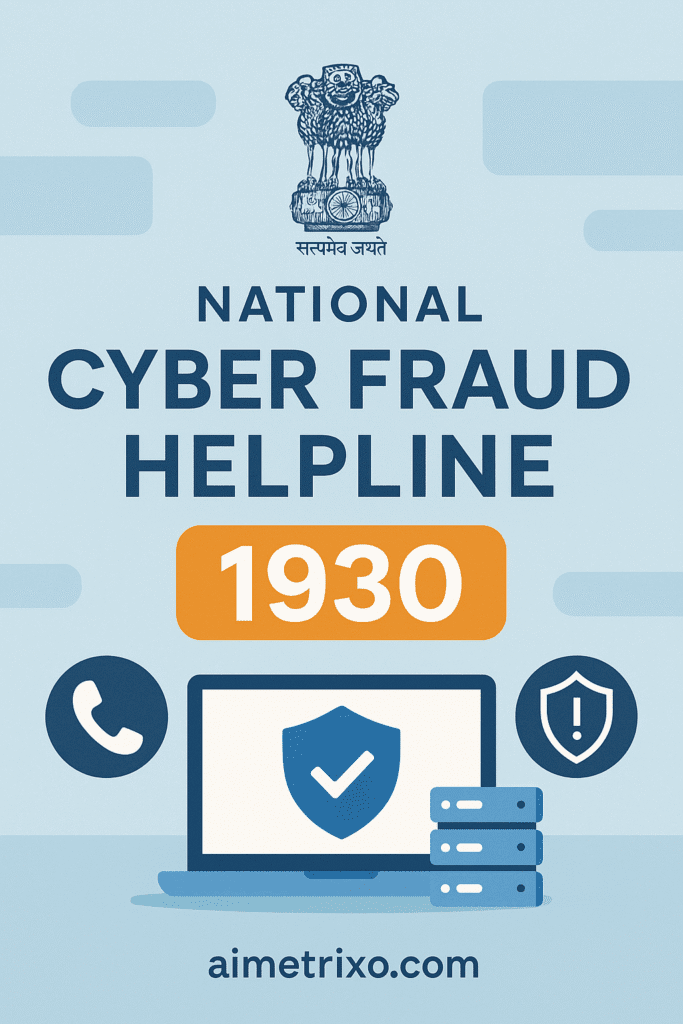
In India, one of the fastest ways to respond to online fraud is by calling the official cybercrime helpline: 1930. This number connects you to the Cyber Fraud Reporting System, where trained officers assist you in blocking the scammer’s transaction. Calling within the first 1–2 hours significantly increases the chance of freezing the money before it is transferred. Make sure to provide accurate information about the incident so authorities can take immediate action.
📑File a Complaint on the National Cyber Crime Portal
After calling the helpline, the next important step is to file an official complaint on the National Cyber Crime Reporting Portal at www.cybercrime.gov.in. This creates a legal record of the incident and allows cyber experts to track the scammer. While filing the complaint, upload all screenshots, chat history, payment proofs, and any other evidence you collected. The more detailed your report is, the easier it becomes for authorities to investigate and take action against the fraudster.
🔑Change All Passwords Immediately
If the cyber fraud involved your email, social media, bank accounts, or any other login-based platform, change all your passwords as soon as possible. Scammers often try to access other connected accounts once they compromise one of them. Create new, strong passwords and enable Two-Factor Authentication (2FA) on every important account. This prevents the scammer from reusing stolen information or causing further damage. Even if only one account was affected, secure everything to avoid future risks.
🧑🧑🧒🧒Inform Family, Friends, or Contacts If Needed
If your social media or messaging accounts were hacked, scammers may contact your family and friends pretending to be you and ask for money or personal information. Inform your contacts immediately that your account was compromised so they don’t fall for any manipulation. A quick message or call can prevent others from becoming victims of the same scam. Once your account is secured, post a public update informing everyone not to trust any suspicious messages sent earlier.
🚫Do Not Pay or Respond to Threats from Scammers
Many scammers attempt to intimidate victims after the fraud by sending threatening messages, posing as police officers, or demanding additional payments to “cancel complaints” or “unlock accounts.” These threats are fake. Once you stop responding, they lose control. Never send more money, never share your OTP, and never click any link they provide. Cybercriminals rely on fear — the moment you stop reacting, their power disappears.
When these 10 essential cyber security tips for beginners are followed consistently, anyone can significantly reduce the risk of online scams and data breaches.
📌 Final Awareness Note and Conclusion
Cybercrime is evolving rapidly, and no one is completely immune. However, with awareness and simple protective habits, you can significantly reduce your chances of becoming a victim. Following these cyber security tips for beginners helps you browse, shop, work, and communicate online with confidence. If you ever face cyber fraud, acting quickly and following the proper steps increases your chances of recovering your money and preventing further harm. Stay alert, stay informed, and always prioritize your digital safety — it is as important as your physical security in today’s online world.
By applying these 10 essential cyber security tips for beginners, you can confidently protect your data, privacy, and digital identity.
⚠️Helpful Resources and Further Reading
To increase your online safety knowledge, explore trusted cyber security resources that provide updated tips and alerts. You can also link internally to related guides on your own website to help readers discover more content. External links to reliable organizations like the Cyber Crime Portal or Google Safety Center add credibility to your post, while internal links improve your SEO by keeping readers engaged. Combining both strengthens your article and enhances user awareness.
These 10 essential cyber security tips for beginners serve as a complete foundation for anyone who wants to stay safe and confident while using the internet.
Learn about AI Tools
Use of AI to combat Global Warming
Visit other Blogs
Pingback: Latest IoT Innovations 2025:Smart Devices & Their Real-World Impact
Pingback: Happy New Year 2026 Celebration Ideas | Trends, Messages & Party Guide
Pingback: Indian States Economic Comparison 2025: GDP, Literacy, Per Capita Income & Population Explained
Pingback: Indian States Economic Comparison 2025: GDP, Literacy & AI-Driven Growth Explained